Patient photos stay on your computer
Clinical photos are patient records. The app runs on your own Windows computer and reads photos from your own folders; it never uploads them anywhere.
What stays on your PC
- Your photos, albums and exported PDFs.
- Your original photo files are never changed. Crops and adjustments are stored in the album.
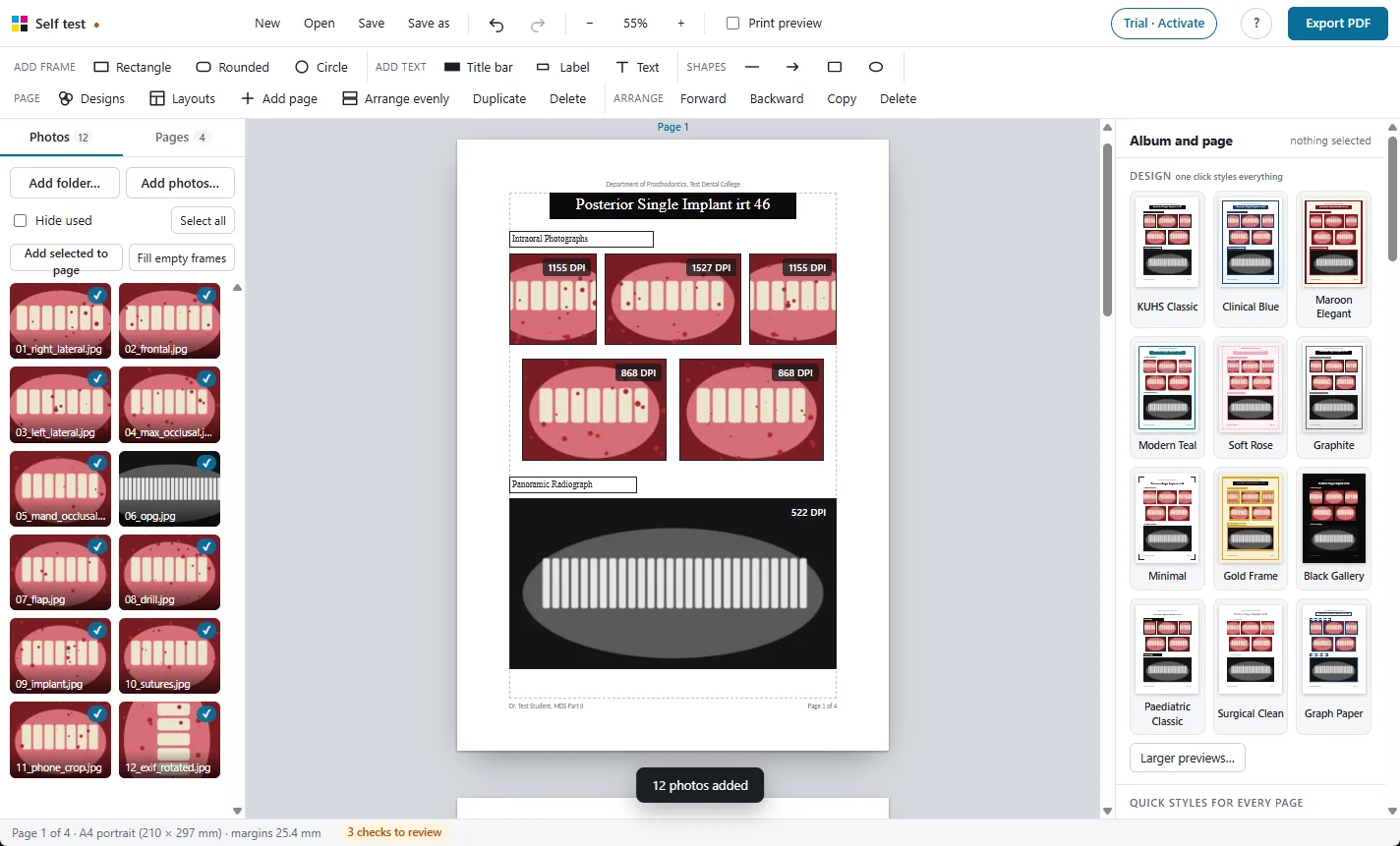
- To hide a patient's eyes, draw a rectangle over them and fill it with black. It prints on top of the photo; the original file is untouched.
What goes online
Only the licence check: your licence key and a code made from your computer's ID, so the key works on one computer. This happens when you activate, and about every two weeks after that. The app works offline for up to 30 days between checks.
More features
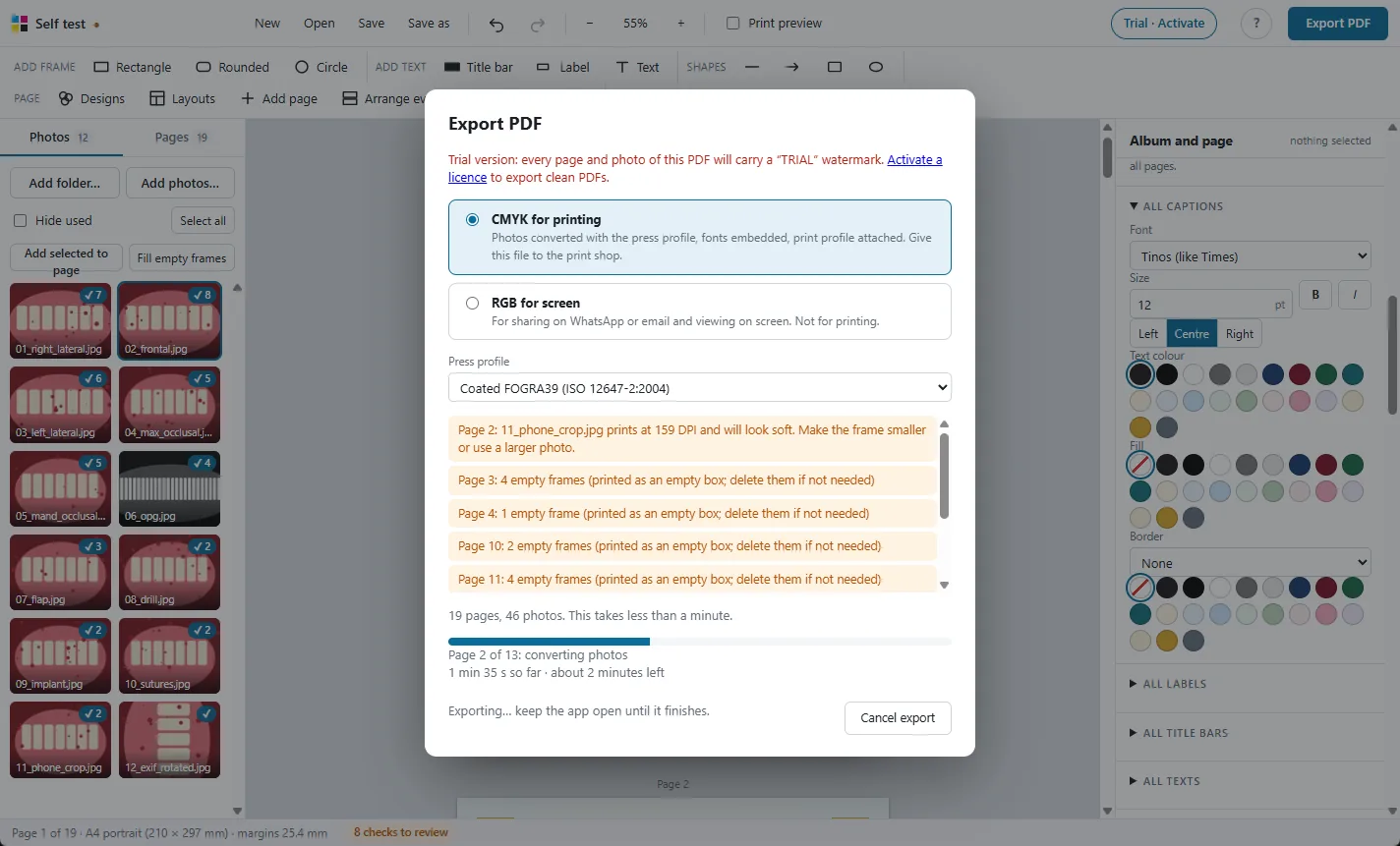
Print-ready CMYK PDF
Photos converted with the press colour profile, so prints match the screen.
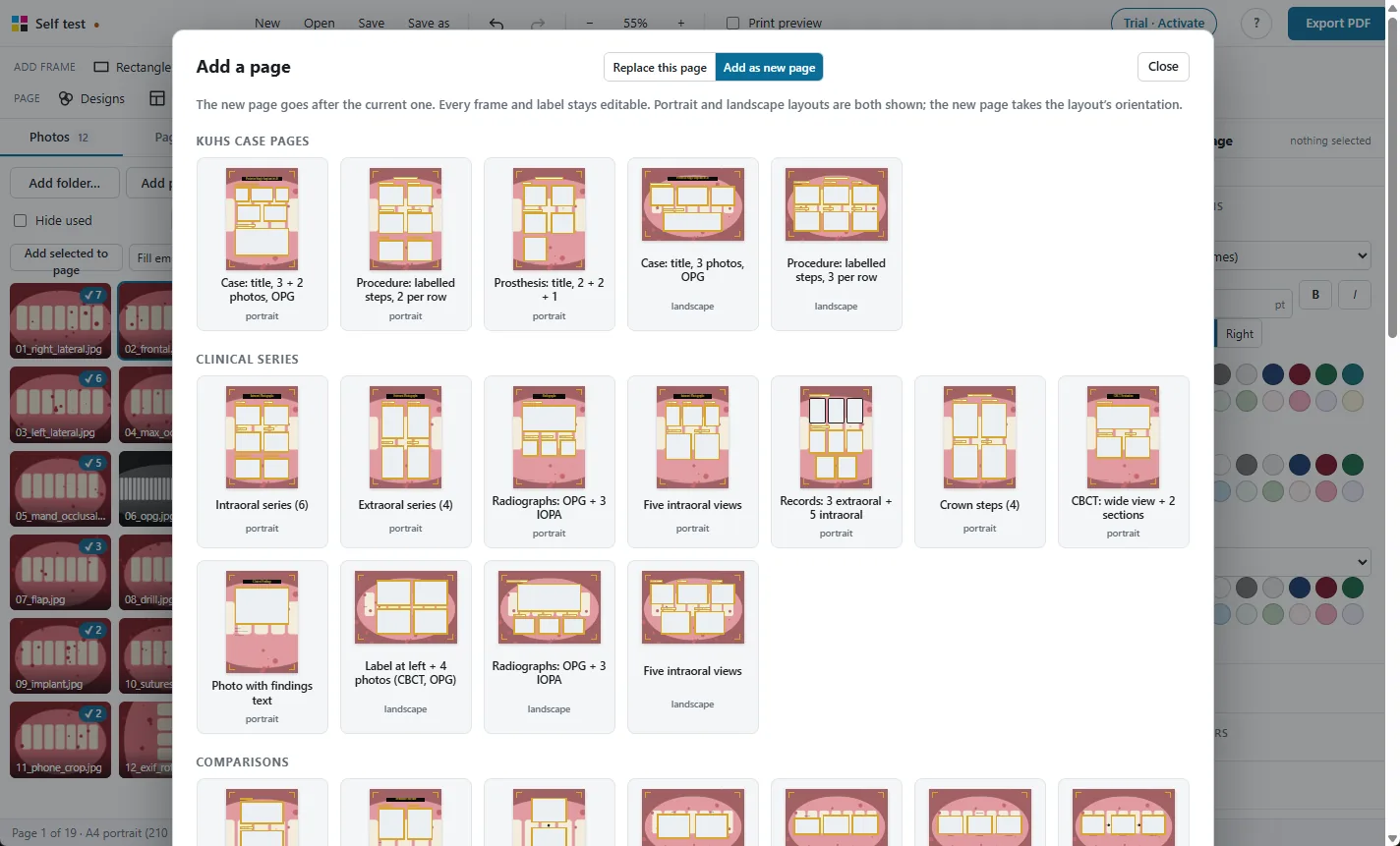
98 ready layouts
Pages for every MDS department, KUHS case pages, comparisons and new collage designs.
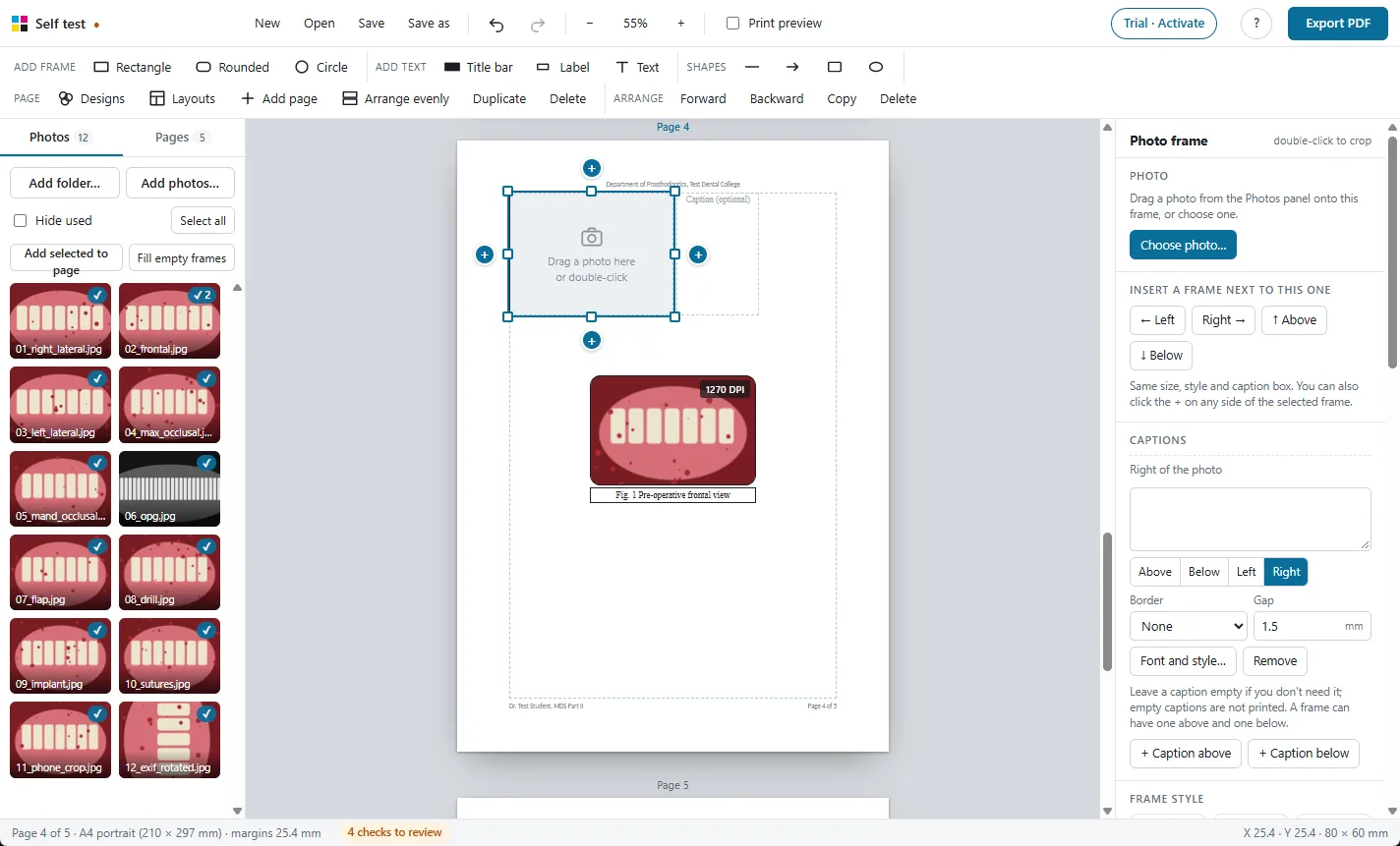
Frames and captions
Every photo gets a frame and a caption. Frames never overlap.
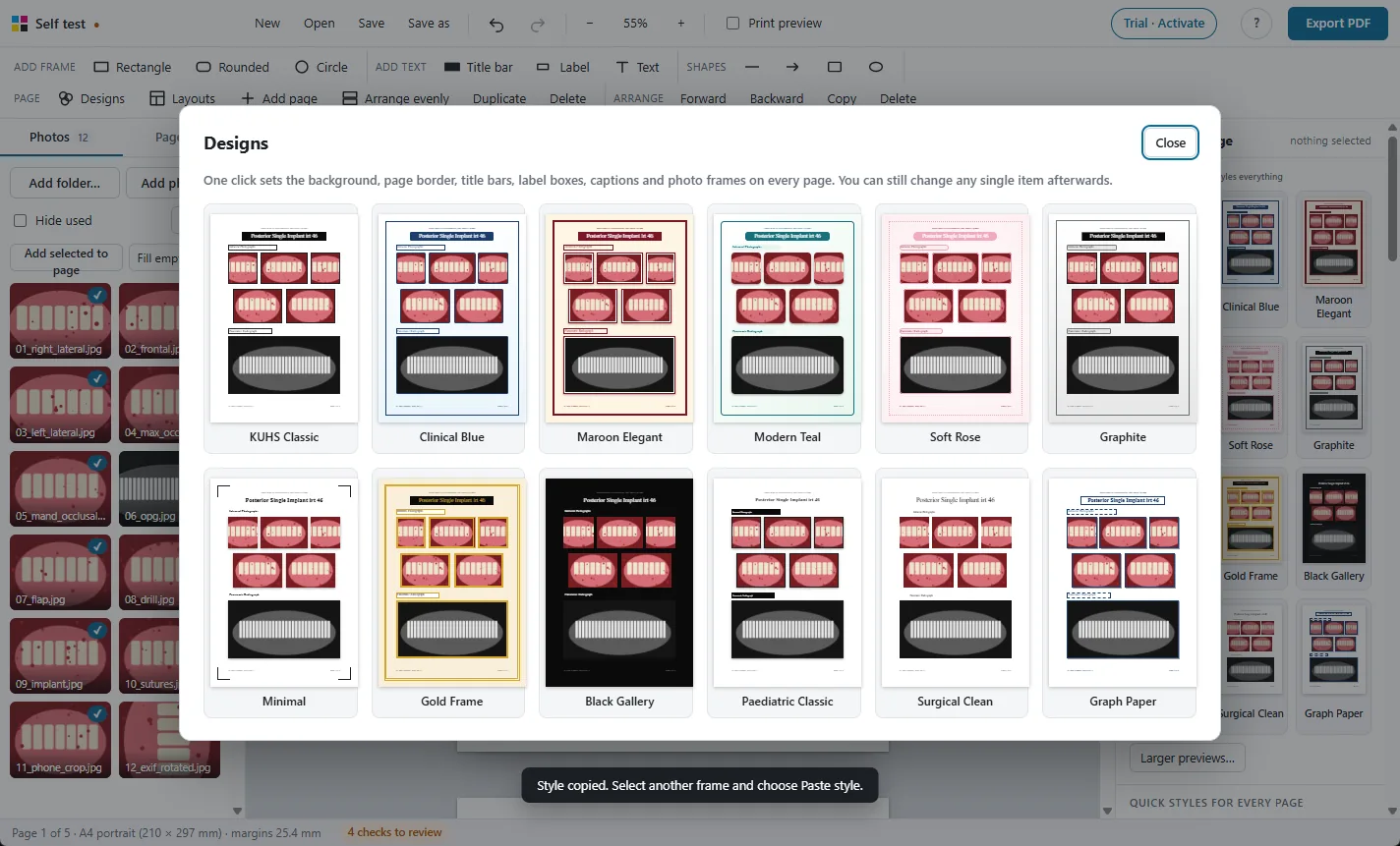
One-click designs
Restyle the whole album, change every caption's font at once.
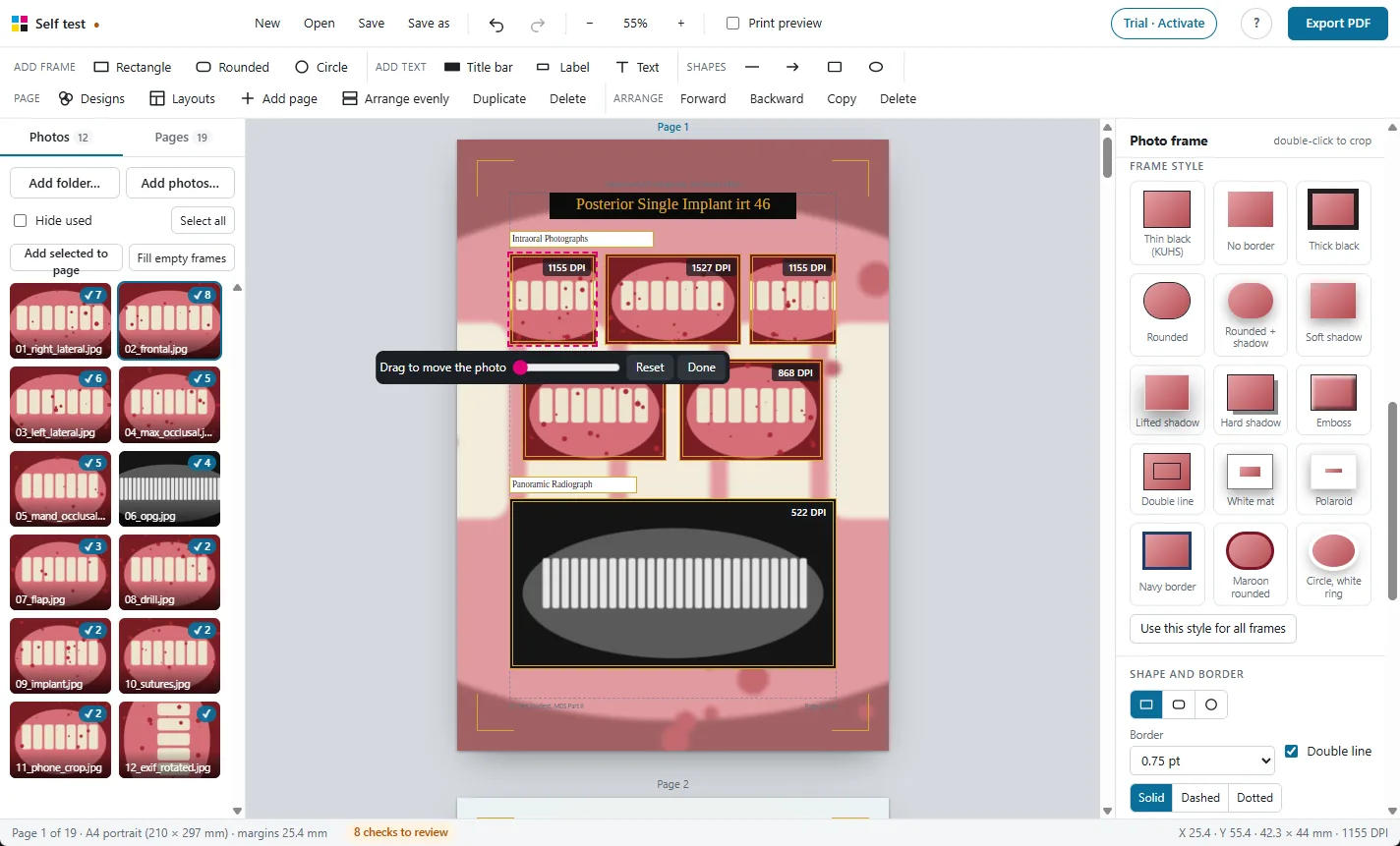
Crop, adjust and check
Crop, rotate, brighten, and see the print DPI of every photo.
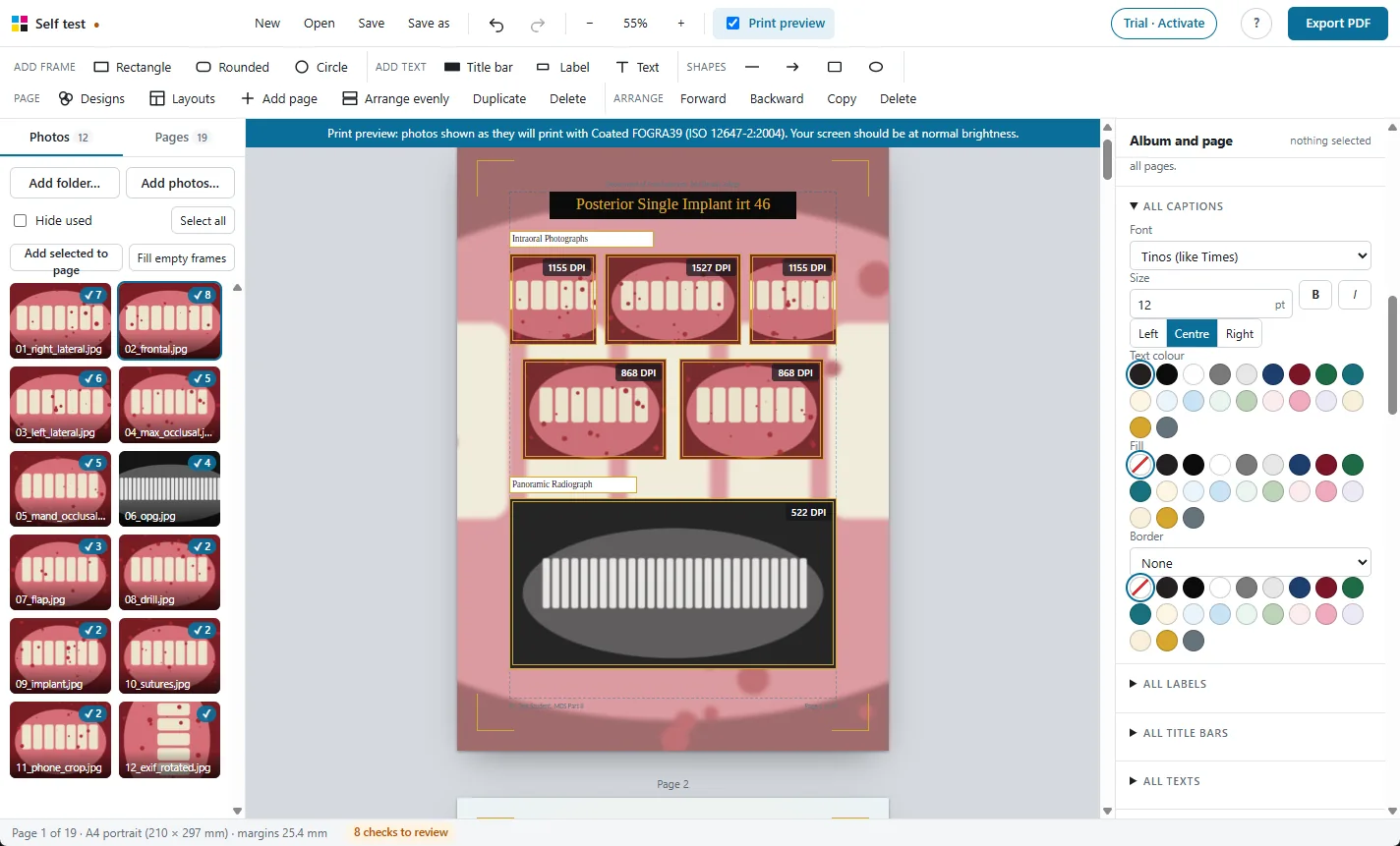
Print preview
See on screen how the photos will look on paper before you print.
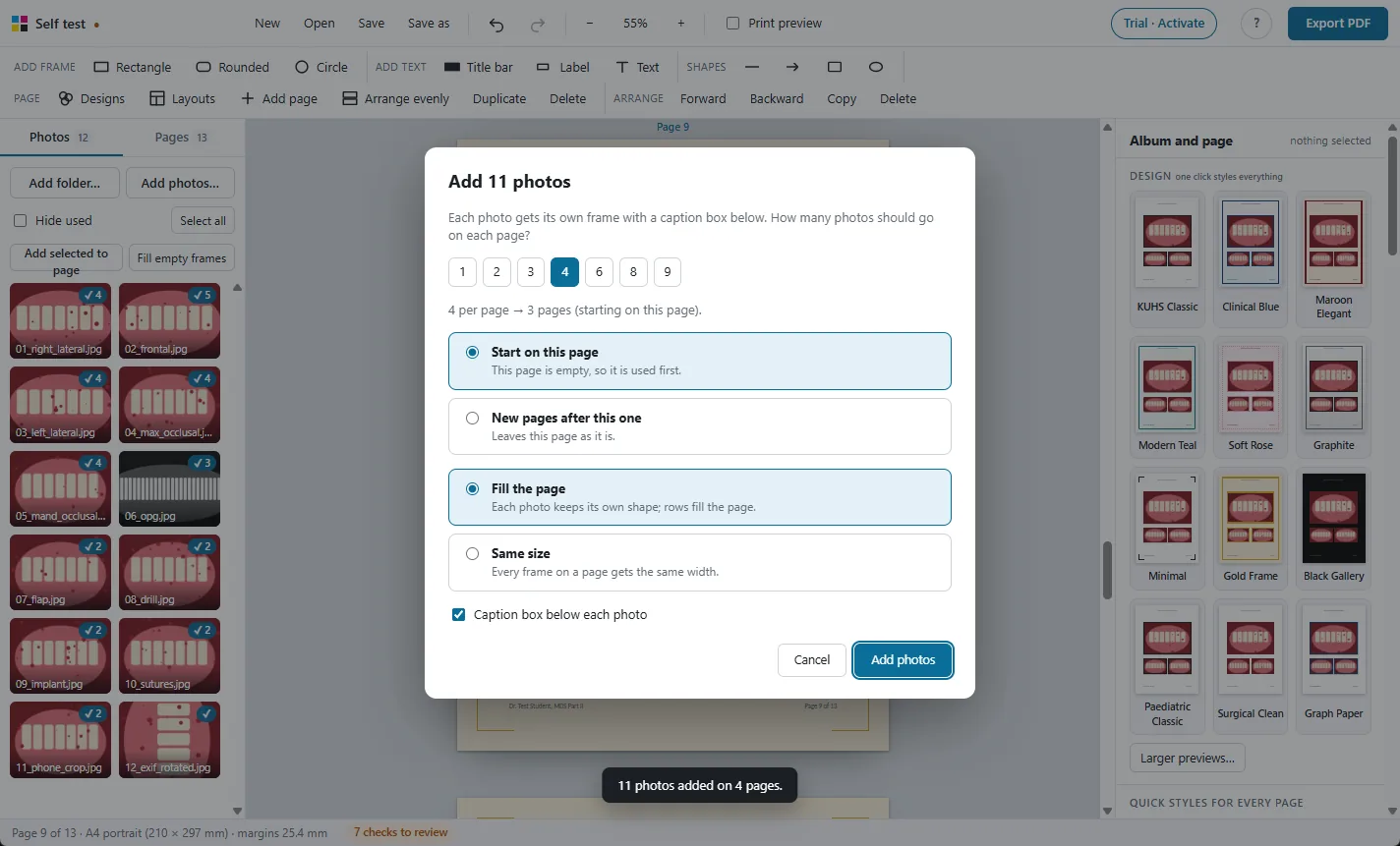
Large albums
Hundreds of photos and 250 pages, with autosave and project files.
Try it free on your own photos
Every feature works in the 30-day free trial. Exported PDFs carry a TRIAL watermark until you activate a licence: ₹500 for one year.