Made for large albums
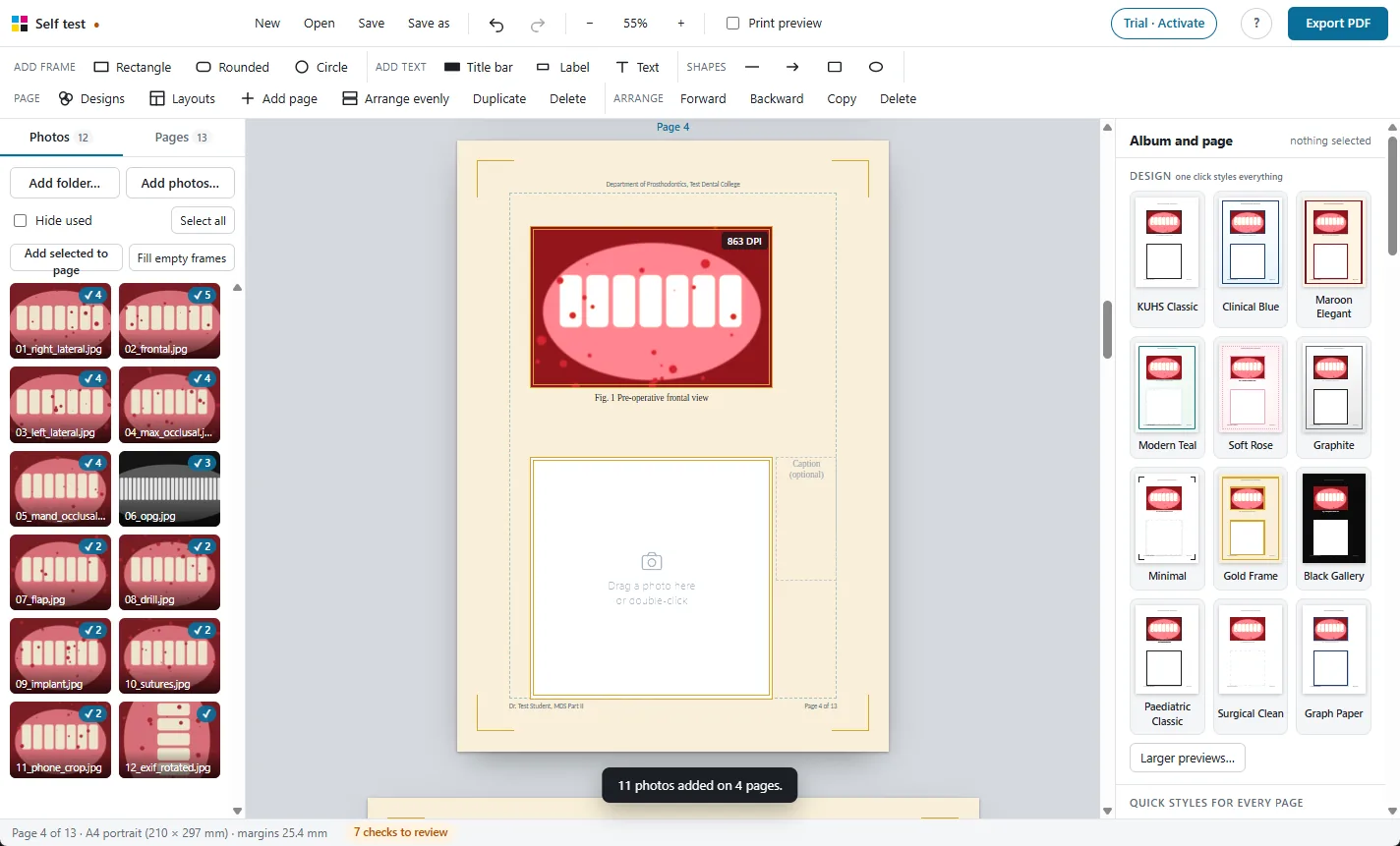
A full case record album can run to hundreds of photos. The app was tested with 750 photos of 24 megapixels each on 250 pages.
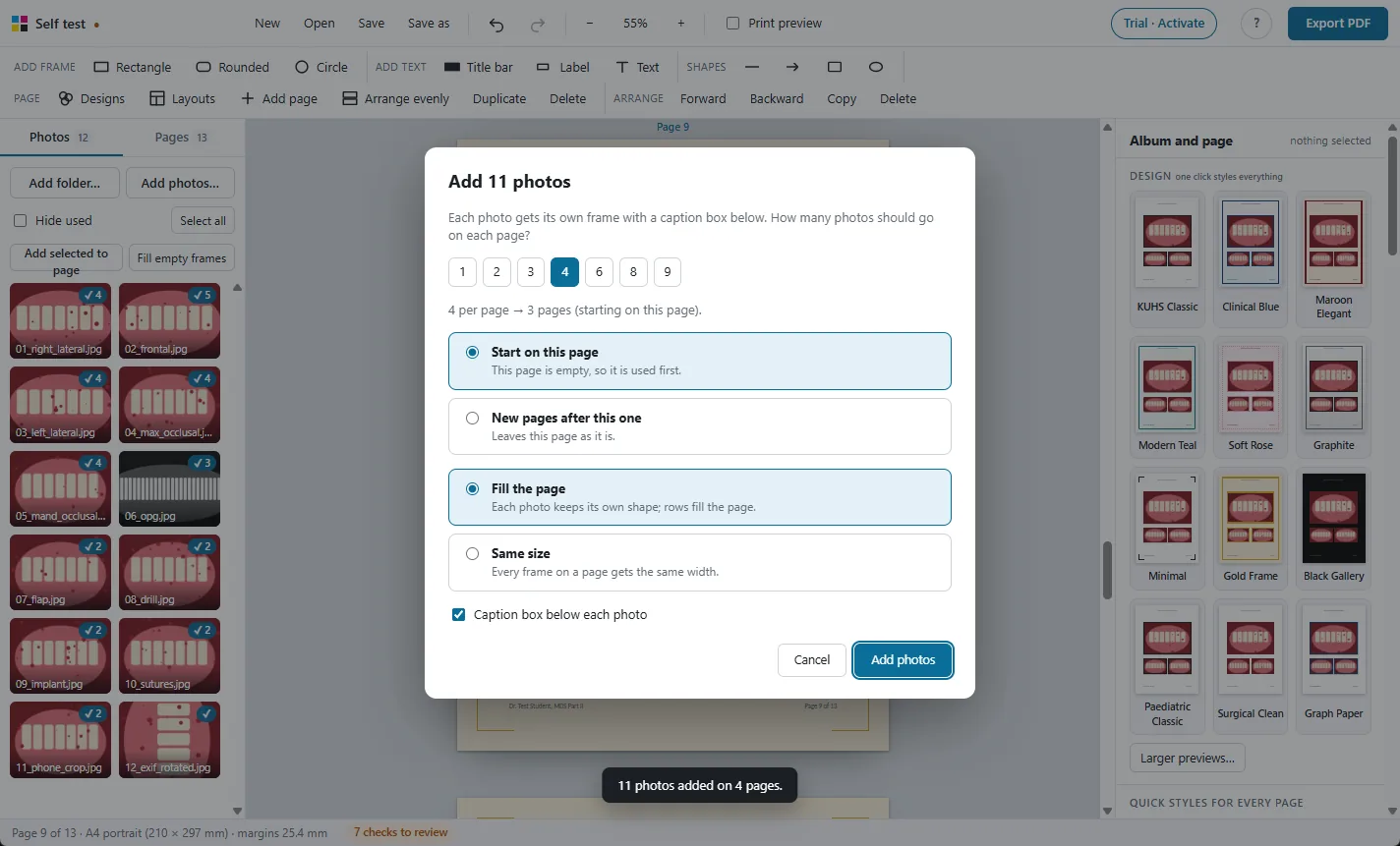
Add many photos at once
- Open a whole folder, pick files, or drop photos from Windows Explorer.
- Select photos and choose Add selected to page. Up to six go on the current page, each with a frame and a caption. More than six asks how many you want on each page and adds the pages for you.
- Fill empty frames drops photos into a layout's frames in order.
- A tick on each photo shows it is used, and how many times. Hide used shows only the ones still to place.
Stays quick with a big album
- Your photos are never loaded at full size while you edit, only small previews, so 20 MB camera photos are no slower than phone photos.
- Pages scroll like a document. Only the page you are working on is editable; click another page to switch.
- Reorder pages by dragging them in the Pages tab.
- Export shows the page it is on, the time so far and the time left, and can be cancelled. A 250-page album took about 6 minutes on our test computer; slower laptops take longer.
Your work is kept safe
- Save the album as a project file and open it again later.
- Autosave runs as you work. If the app or the computer closes unexpectedly, the next start offers to bring the album back.
- Up to 120 steps of undo.
- Moved the project to another computer? Photos are looked for next to the project file, and missing ones can be found again from the side panel.
More features
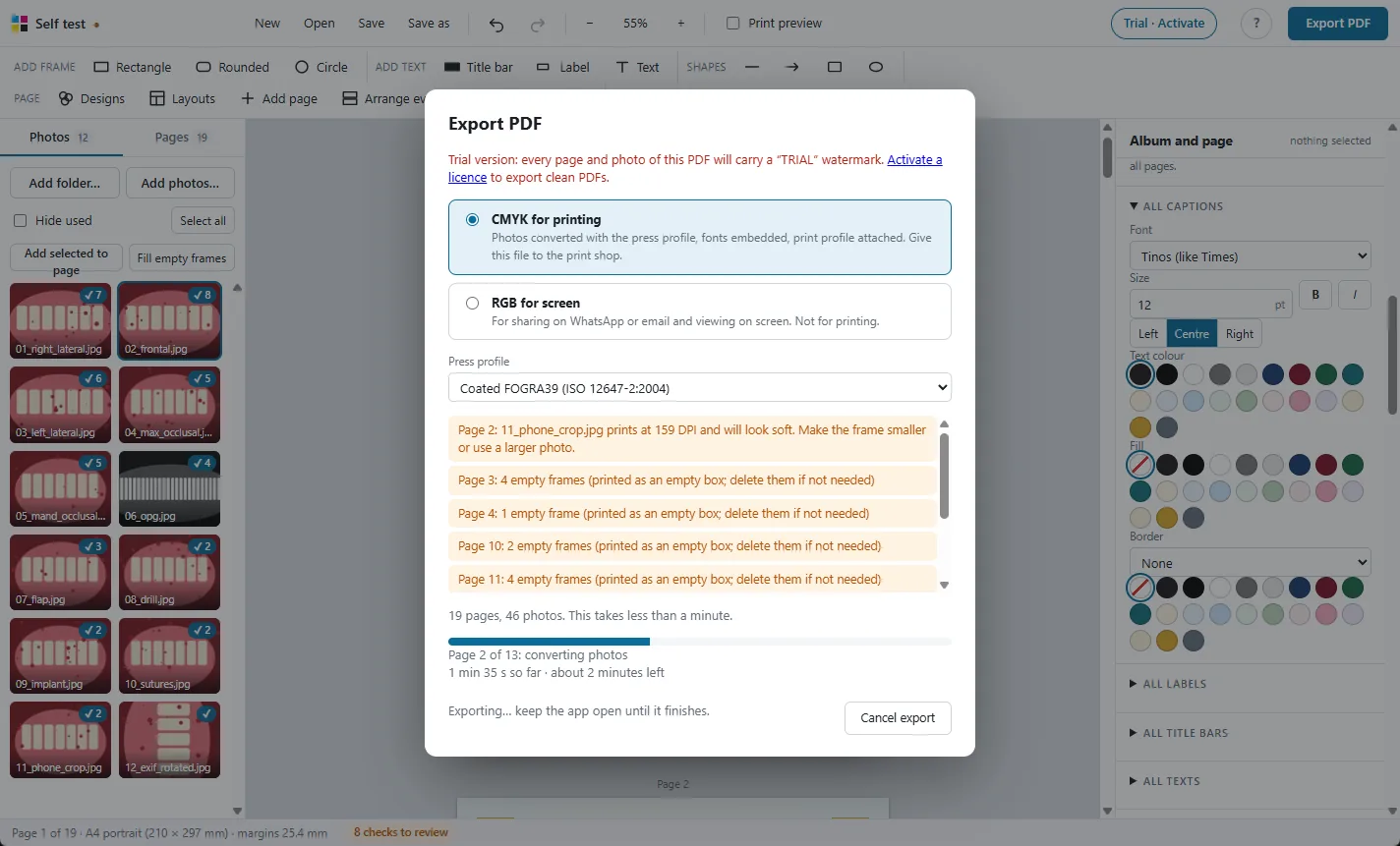
Print-ready CMYK PDF
Photos converted with the press colour profile, so prints match the screen.
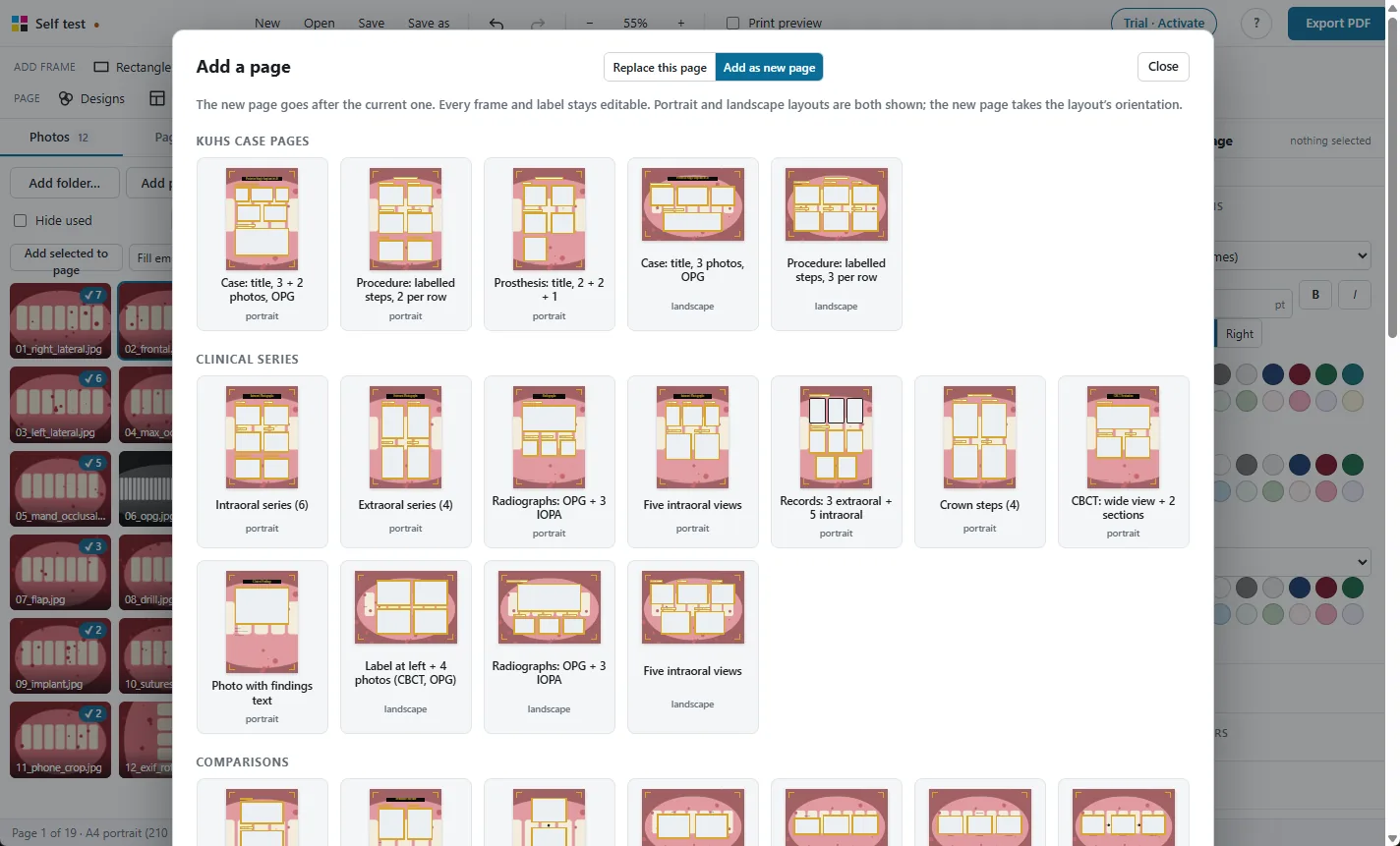
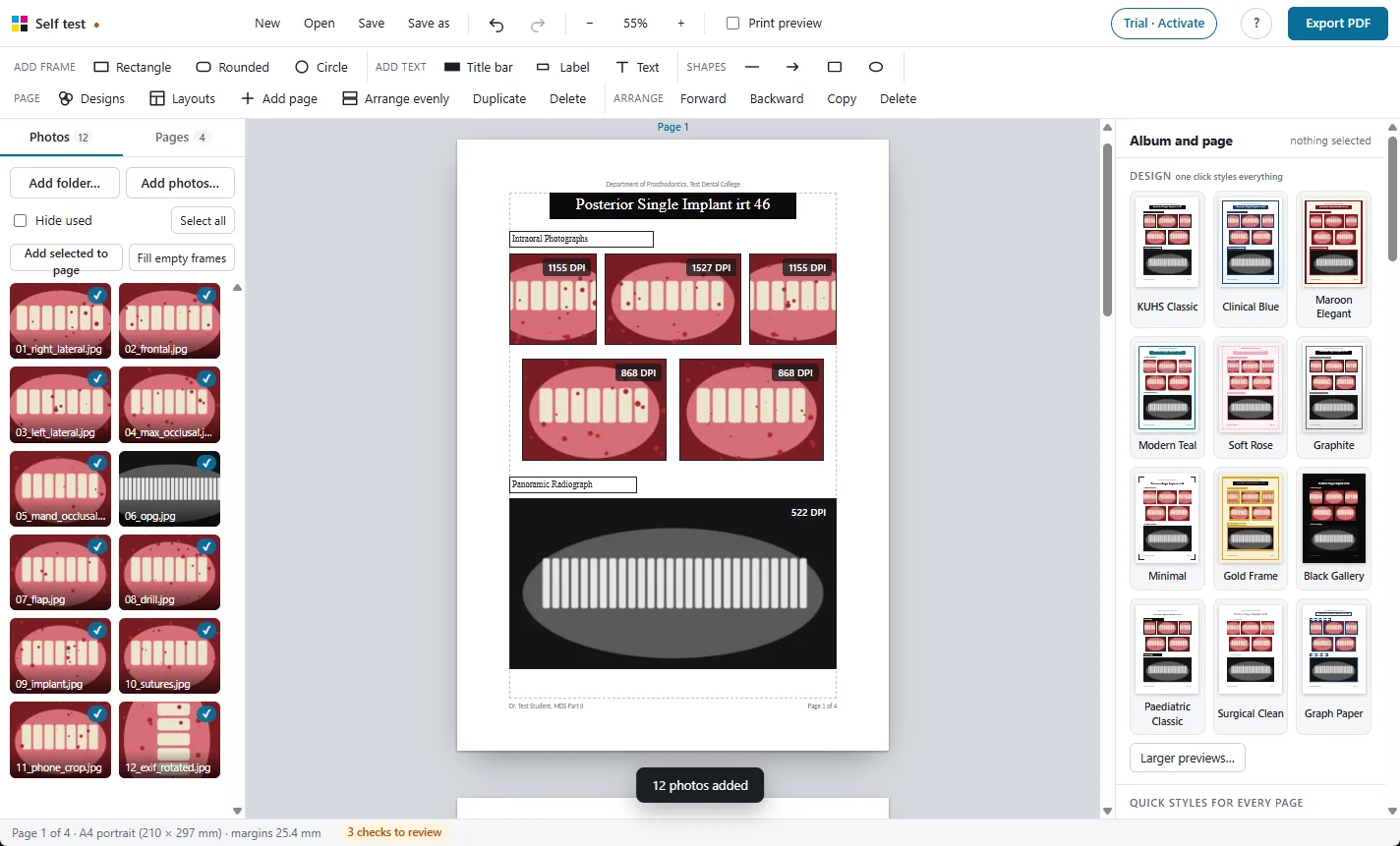
98 ready layouts
Pages for every MDS department, KUHS case pages, comparisons and new collage designs.
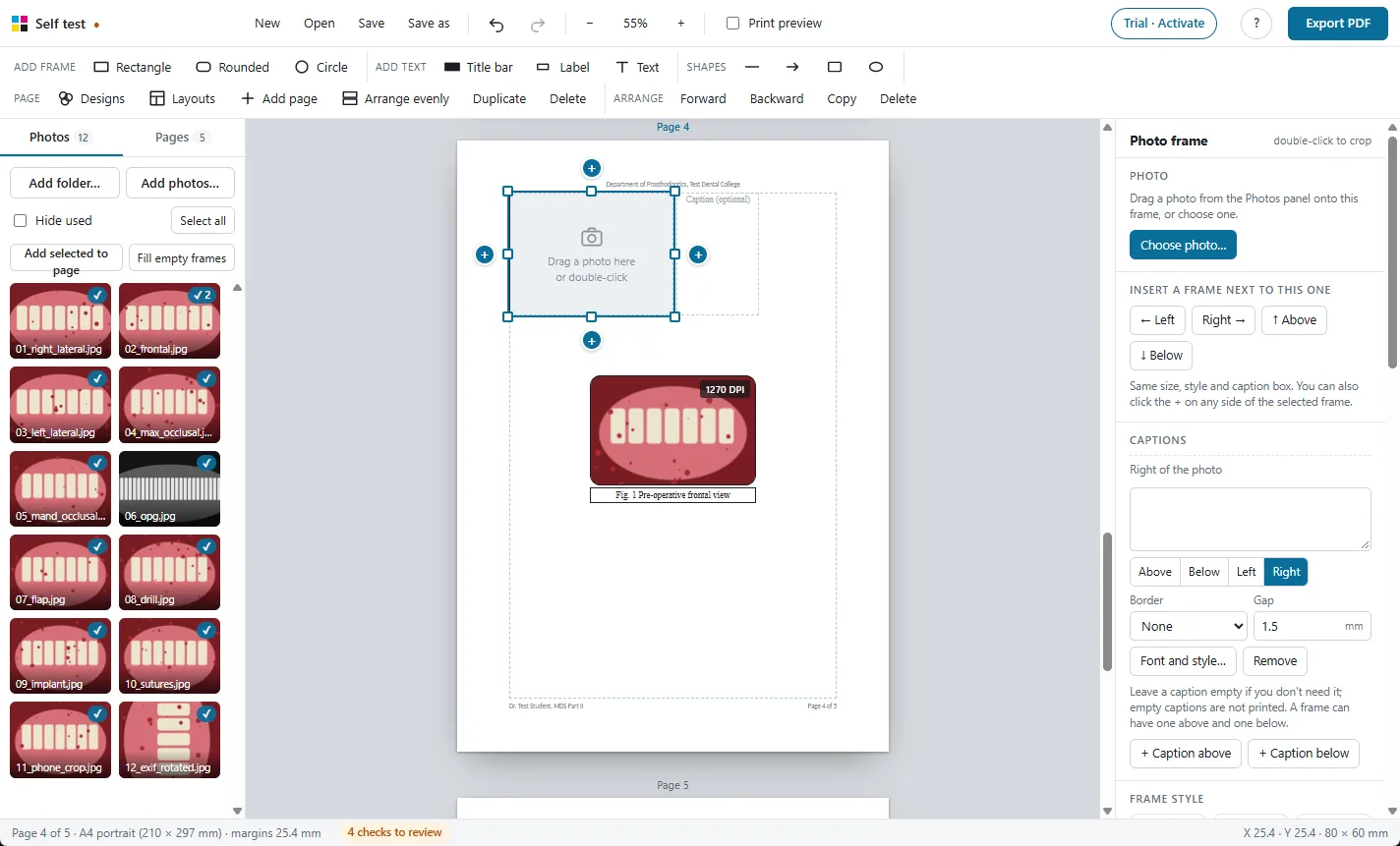
Frames and captions
Every photo gets a frame and a caption. Frames never overlap.
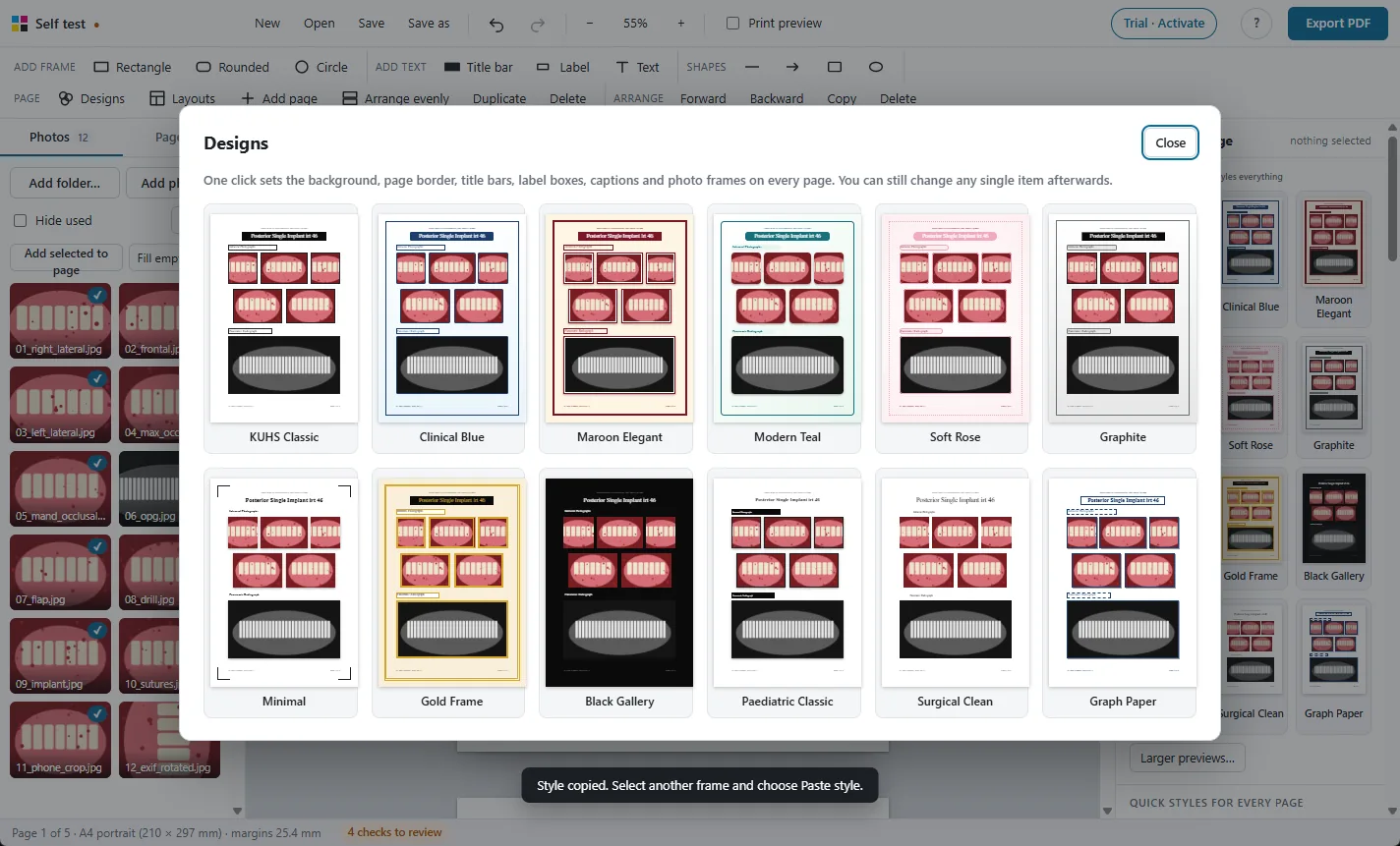
One-click designs
Restyle the whole album, change every caption's font at once.
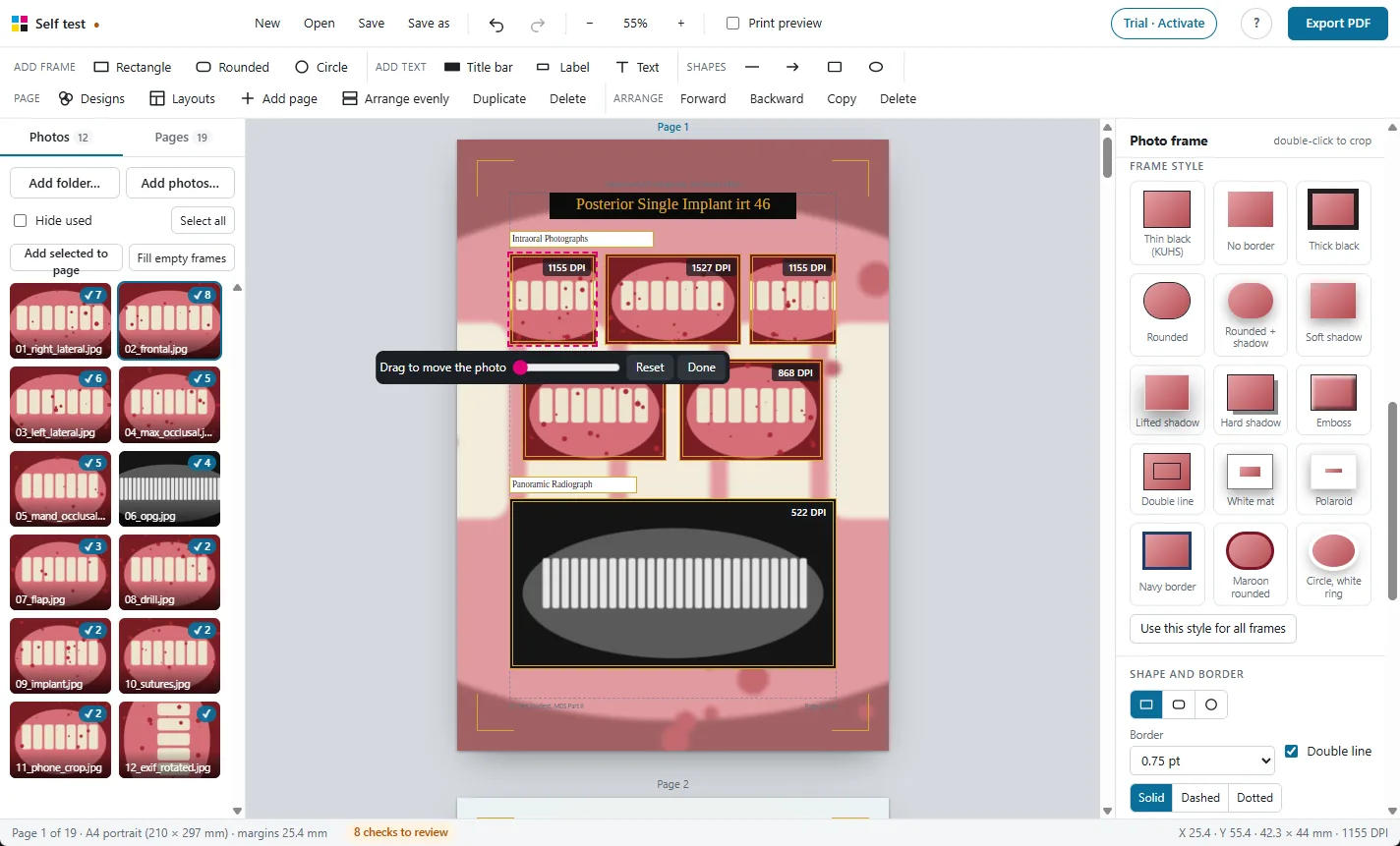
Crop, adjust and check
Crop, rotate, brighten, and see the print DPI of every photo.
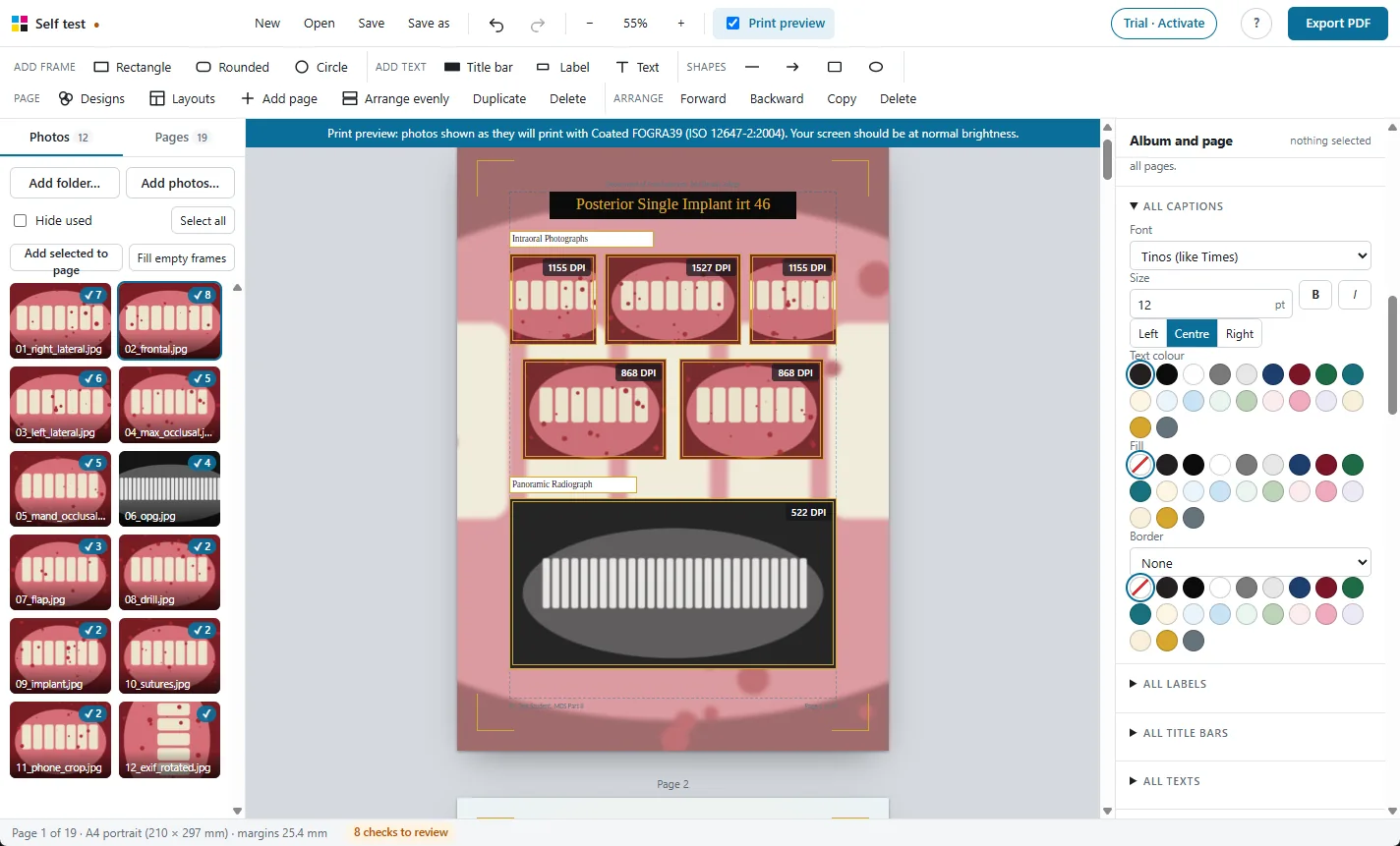
Print preview
See on screen how the photos will look on paper before you print.
Photos stay on your PC
A Windows app that works offline. Nothing is uploaded.
Try it free on your own photos
Every feature works in the 30-day free trial. Exported PDFs carry a TRIAL watermark until you activate a licence: ₹500 for one year.